



Description
Annual Report Excel Template
Create Engaging and Professional Annual Reports with Ease
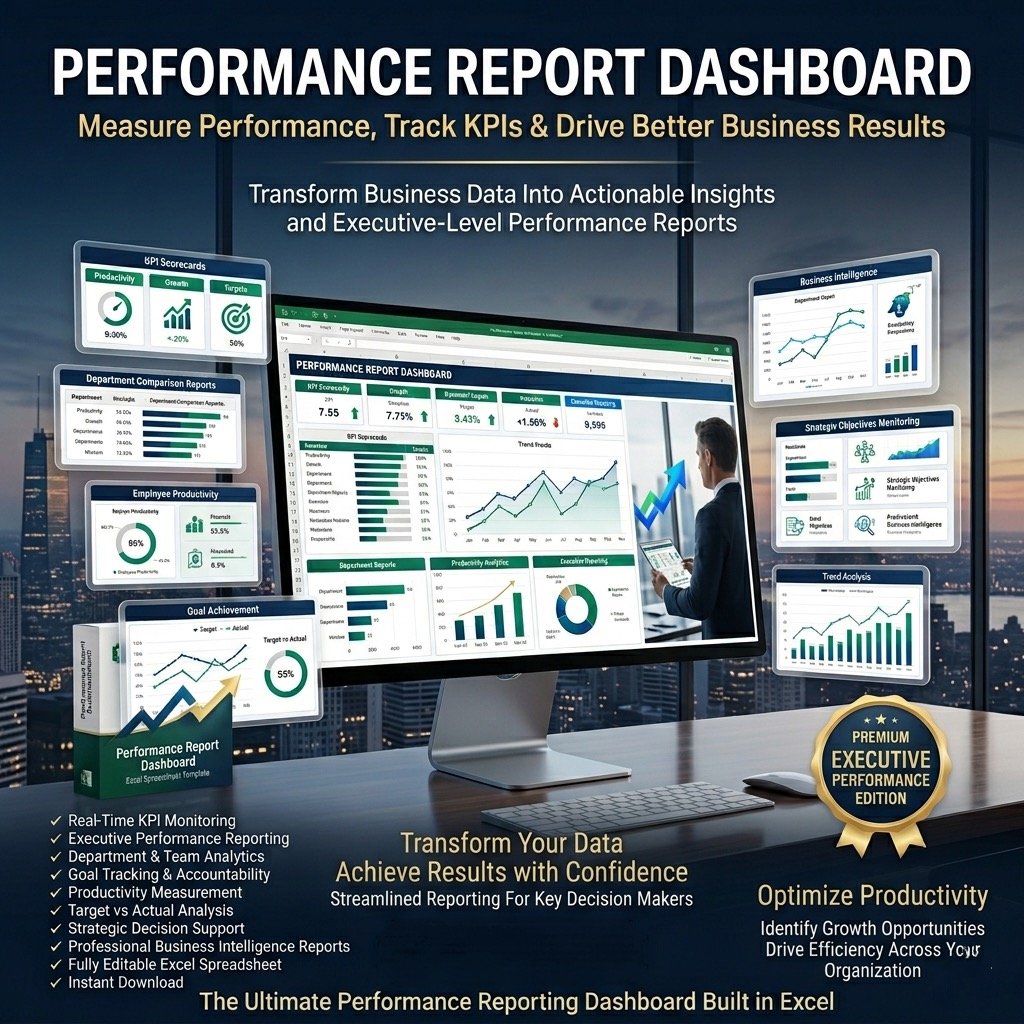
Turn your business data into a stunning, easy-to-understand report with the Annual Report Excel Template. Designed for professionals who value clarity and visual impact, this template helps you create eye-catching, data-driven annual reports in minutes — no complex software required.
Whether you’re presenting company performance to management, investors, or your team, this Excel template makes reporting efficient, insightful, and visually appealing.
Why You’ll Love This Template
The Annual Report Excel Template helps you replace dull spreadsheets with engaging visuals and clean dashboards that tell your organisation’s story clearly. Track monthly and quarterly performance, analyse results, and share insights — all in one organised, professional file.
Key Features
✅ Dynamic Visual Dashboards – Two interactive dashboards (monthly and quarterly) plus one detailed annual report view.
✅ Insightful Data Presentation – Beautiful, ready-to-use charts showcasing key performance indicators.
✅ Comment & Analysis Sections – Add personalised notes, insights, and commentary for each chart.
✅ Fully Editable & Customizable – Replace sample data with your own instantly.
✅ Professional & Print-Ready – Clean formatting for reports and presentations, no Biz Infograph logo.
✅ No Technical Skills Required – 100% Excel-based, with no macros or VBA.
✅ Instant Download – Get immediate access and start reporting right away.
✅ No Monthly Fees – One-time purchase, lifetime use.
What’s Included
Fully functional Annual Report Dashboard Template (Excel format)
Password file to unlock and view protected formulas
Step-by-step user guide to navigate and customize your report
Professional Support
Video tutorial on how to use the Annual Report Template
Customisation service for business-specific needs
Post-purchase support to help you get the best results
Secure payment options via Stripe or PayPal (no account needed)
Quick Start Guide
Open the template in Excel.
Go to the Indicators tab and select your fiscal year start month (e.g., Jan, Feb, Jul, etc.).
In the Enter Data tab, replace sample data with your actual company data.
Explore the Annual Report – Quarter and Annual Report – Month dashboards to view performance trends.
Print or export your final report (simply press CTRL + P).
Present with Confidence
With the Annual Report Excel Template, you’ll deliver clear, visually appealing, and data-backed reports that make an impact.
Simplify your reporting process, enhance your business presentations, and impress your audience — all within Excel.
✔ Smart. Simple. Professional.
Create your best annual report yet.

Reviews
There are no reviews yet.