






Description
Budget vs Actual Excel Dashboard Template
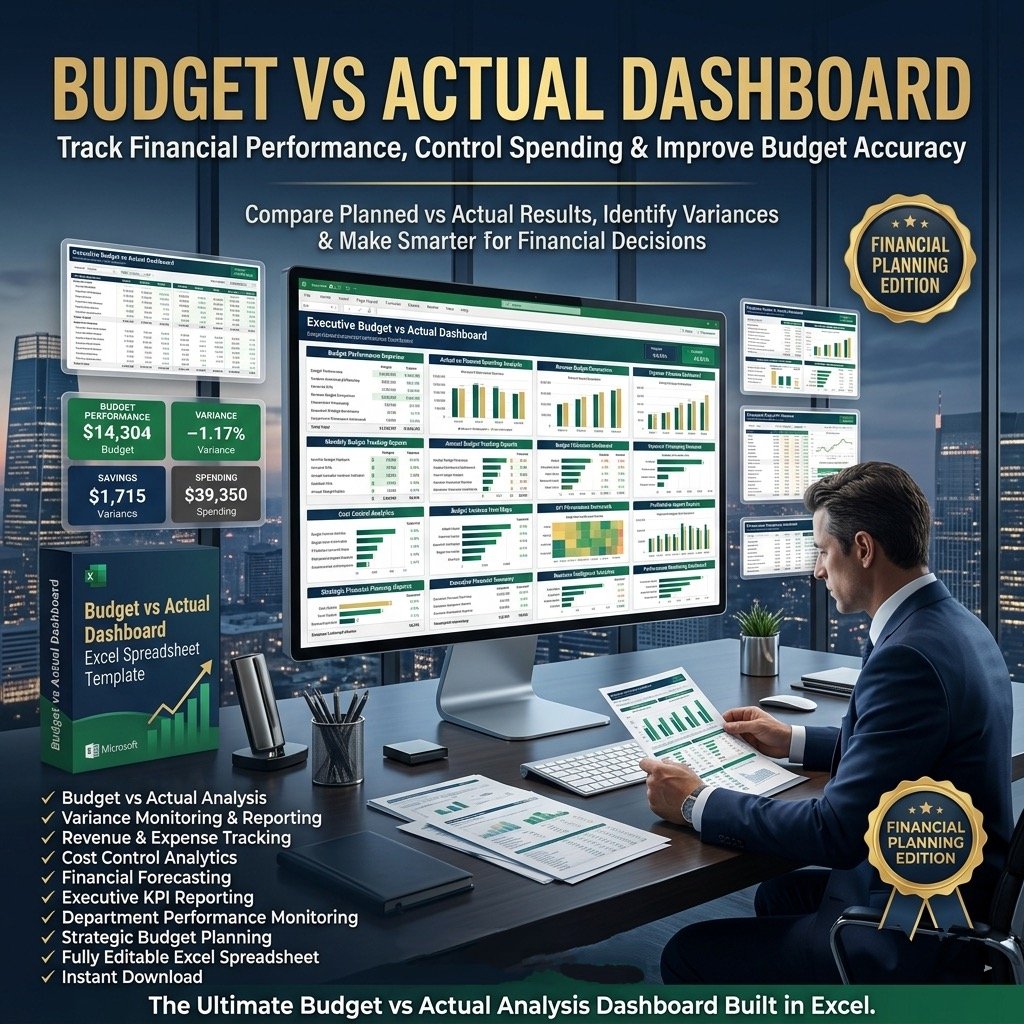
Gain complete clarity on your business performance with our Budget vs Actual Dashboard Template in Excel. This powerful tool helps you track actual revenue and expenses against budgeted targets, making it easier to plan, monitor, and control your financial performance. With clear visualizations and detailed comparisons, management can quickly identify gaps, adjust strategies, and make informed decisions to stay aligned with business goals.
Why This Dashboard Matters
Comparing actuals against budget isn’t just about numbers—it’s about insights. With this template, you can:
Monitor performance against targets in real time.
Identify areas that need cost control or sales adjustments.
Strengthen financial planning and improve resource allocation.
Make data-driven decisions that add long-term value to your business.
Key Metrics & Insights Covered
The dashboard organizes and visualizes essential financial KPIs, including:
Total Revenue – Compare year-to-date actuals vs. budget and last year’s performance, plus monthly trends.
Revenue Detail – Track performance of each revenue line item with year-over-year growth.
Expenditure Overview – Monitor year-to-date and monthly expenditure vs. budget and prior year.
Expenditure Detail – Drill down into each cost line item for a clear view of spending.
Key Features
Provides essential financial insights for management and finance teams.
Fully editable and easy to use with sample data included.
Eye-catching, professional design that’s fully customizable.
Ready-to-print spreadsheets without branding.
One-time purchase – no monthly fees.
Instant download – no installation, macros, or VBA required.
What’s Included
The fully functional Excel dashboard – just plug in your data and start using it instantly.
A text file with the password to unlock formulas for editing.
A step-by-step guide to help you customize and unlock elements as needed.
Professional Support
Video tutorial showing how to navigate and use the dashboard.
Post-purchase support and assistance with customization.
Secure payment options via Stripe and PayPal (no PayPal account required).
How It Works
Open the dashboard template.
Go to the Indicators menu – select the start month of your fiscal year.
Enter your actual data in the Enter Data menu (replace sample data).
View your results in the Monthly Dashboard or YTD Dashboard for quick insights.
Print-ready design – simply press CTRL+P to generate reports.
✅ Take control of your finances today with the Budget vs Actual Dashboard Template — a professional, reliable, and easy-to-use tool built for smarter financial decisions.

Reviews
There are no reviews yet.