





Description
Financial Excel Dashboard Template
Simplify financial tracking, improve decision-making, and present insights with confidence.
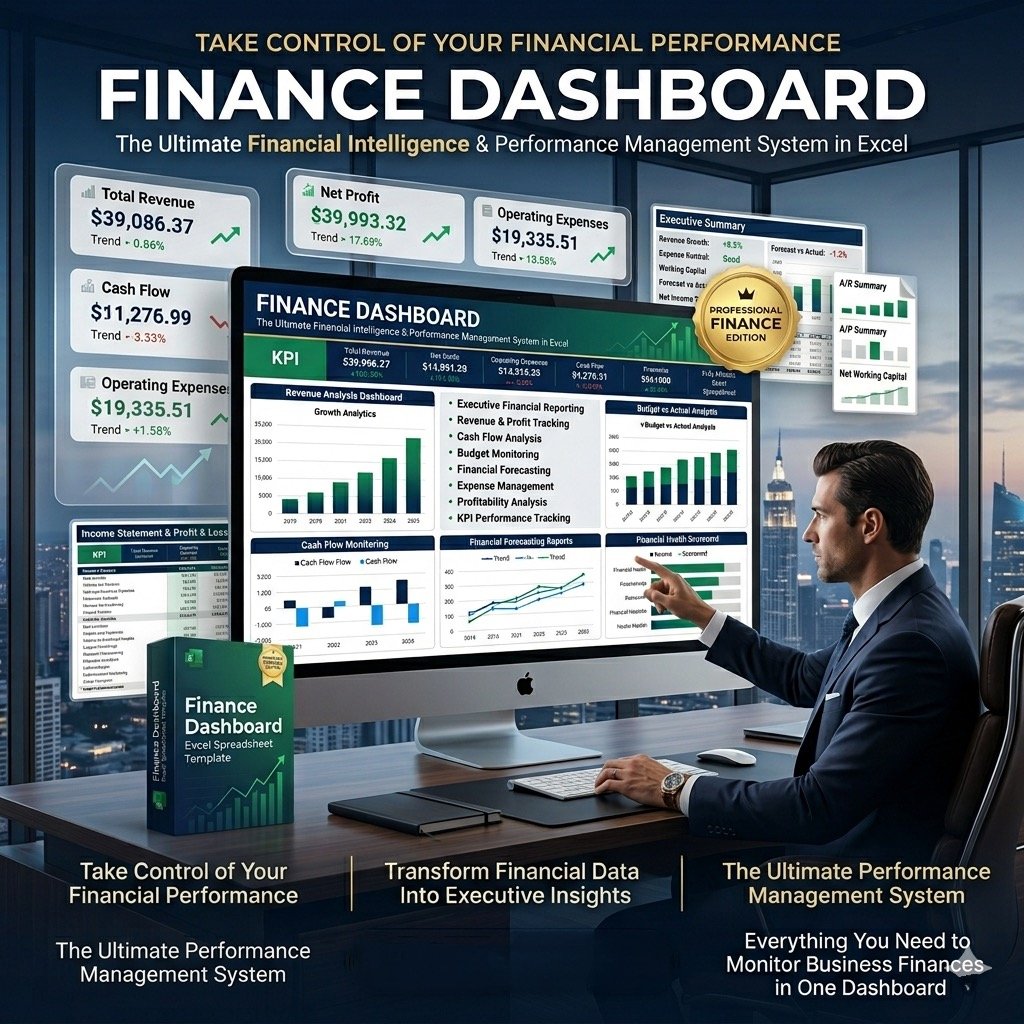
The Financial Excel Dashboard Template is designed to help business leaders, CFOs, and finance teams organize all key financial indicators in one clear and professional view. Instead of juggling scattered spreadsheets, this template consolidates revenue, expenses, cash flow, profitability, working capital, and balance sheet metrics into a single, easy-to-use dashboard.
With its structured layout and visual design, the template allows you to monitor financial performance at a glance, compare trends over time, and make smarter, data-driven decisions. Whether you’re evaluating sales revenue, operating profit, or liquidity ratios, the dashboard provides both clarity and accuracy—making financial reporting faster, simpler, and more effective.
Key Metrics You Can Track
Revenue – Monitor top-line growth and progress against targets
Gross Profit – Understand contribution margins and cost coverage
Operating Profit – Measure performance after operational costs
Net Profit – Track the true financial return to shareholders
Operating Expenses – Break down by HR, admin, sales, and marketing
Operating Cash Flow – Compare actual cash flow vs. targets and prior periods
Working Capital – Review receivables, inventory, payables, and cash cycle efficiency
Balance Sheet Indicators – Track current ratio, inventory, and receivables
Key Features
Comprehensive financial insights for CFOs and finance teams
Fully editable and customizable Excel template with sample data
Professional, eye-catching design ready for presentations
Instant download – no monthly fees, no installation required
100% Excel-based: no VBA, no Macros – simple, safe, and secure
Compatible with all Excel versions (2007 and later)
What’s Included
Ready-to-use Financial Excel Dashboard Template
Text file with password to view and edit formulas
Step-by-step guide to unlock and customize elements
Professional Support
Video tutorial to help you navigate the dashboard easily
Optional customization service tailored to your business needs
Ongoing post-purchase support
Secure payments via Stripe and PayPal (no PayPal account required)
How to Use the Template
Open the dashboard in Excel
Go to the Indicators Menu – choose the start month of your fiscal year
Enter your actual financial data in the Enter Data Menu (sample data included for guidance)
Switch to the Monthly Dashboard – view key performance indicators by month
Open the YTD Dashboard – review year-to-date financial performance
Print directly with CTRL+P – reports are already formatted and presentation-ready
✅ With the Financial Excel Dashboard Template, you’ll save time, reduce complexity, and present financial insights in a professional and impactful way—helping you lead your organization with confidence.

Reviews
There are no reviews yet.