




Description
Stay Organised, Save Time, and Never Miss a Deadline
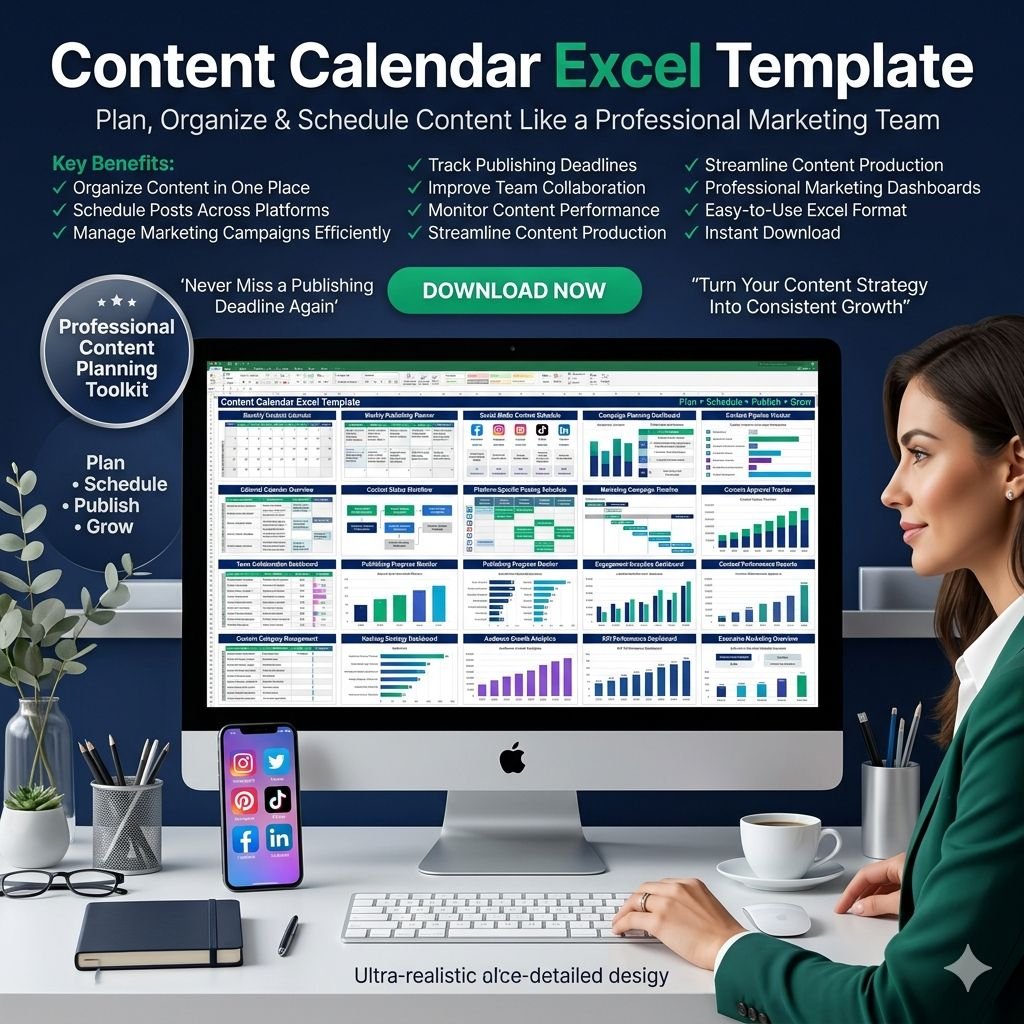
Managing multiple social media channels, blog posts, and marketing campaigns can be overwhelming. Our Content Calendar Excel Template is designed to help you plan, schedule, and track all your content in one easy-to-use tool.
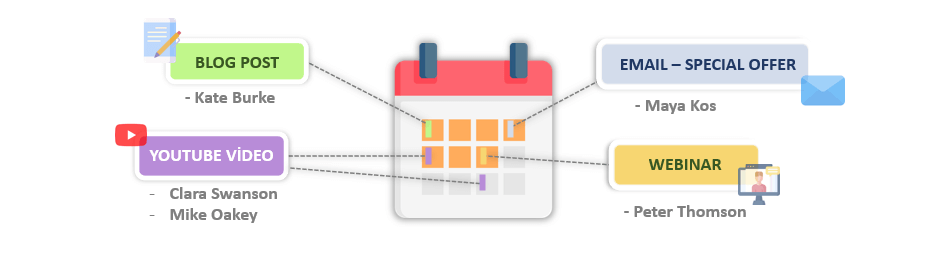
Whether you’re a digital marketer, influencer, or business owner, this template gives you the structure you need to stay consistent and on track.
With a clear calendar view, customizable task settings, and automated summaries, you can confidently manage everything from social media campaigns and influencer collaborations to blog posts, email marketing, podcasts, and webinars.
Why Choose This Content Calendar?
Stay on Schedule – Organise content across Instagram, Facebook, TikTok, Twitter, LinkedIn, YouTube, and more.
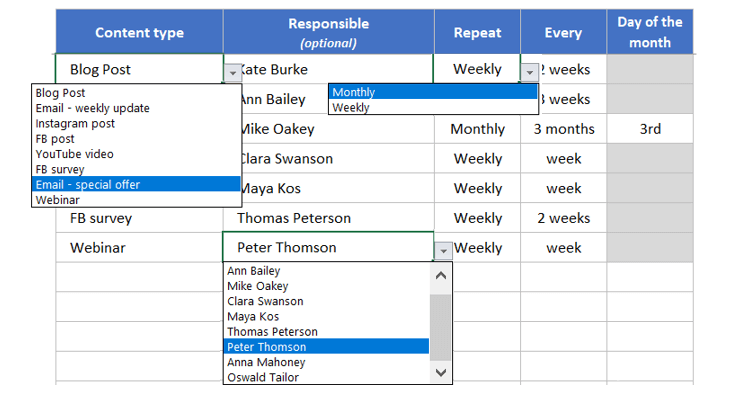
Boost Efficiency – Plan recurring tasks, assign responsibilities, and set timelines with just a few clicks.
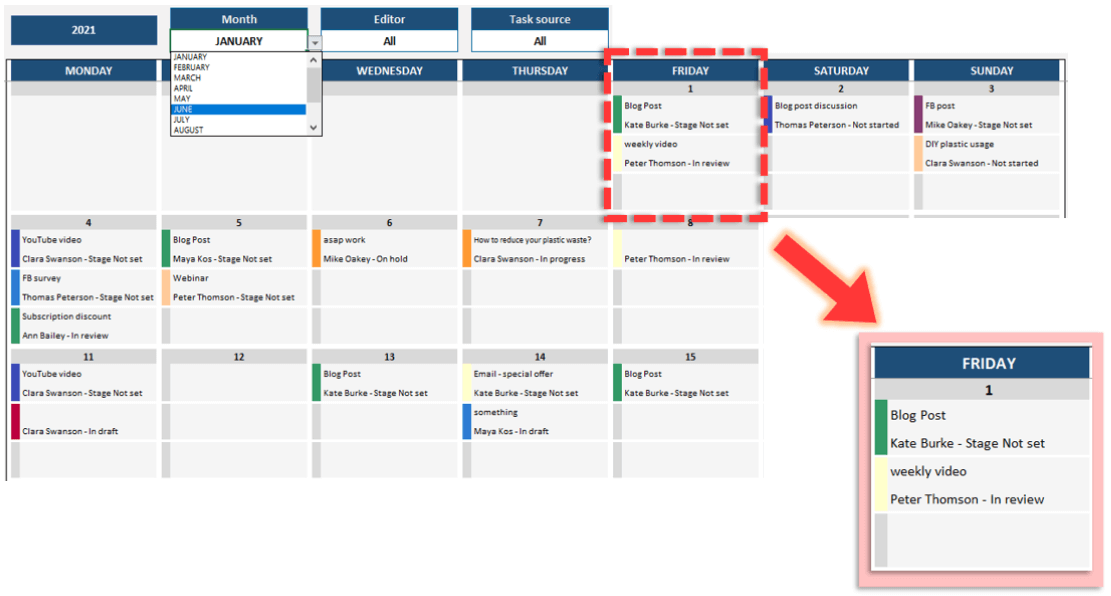
Track Progress – Instantly see task statuses, editor assignments, and deadlines in a clean calendar view.
Improve Team Collaboration – Share responsibilities clearly so everyone knows what to do and when.
Enhance Marketing Impact – Keep SEO, SEM, and content strategy aligned for maximum visibility.
Key Features
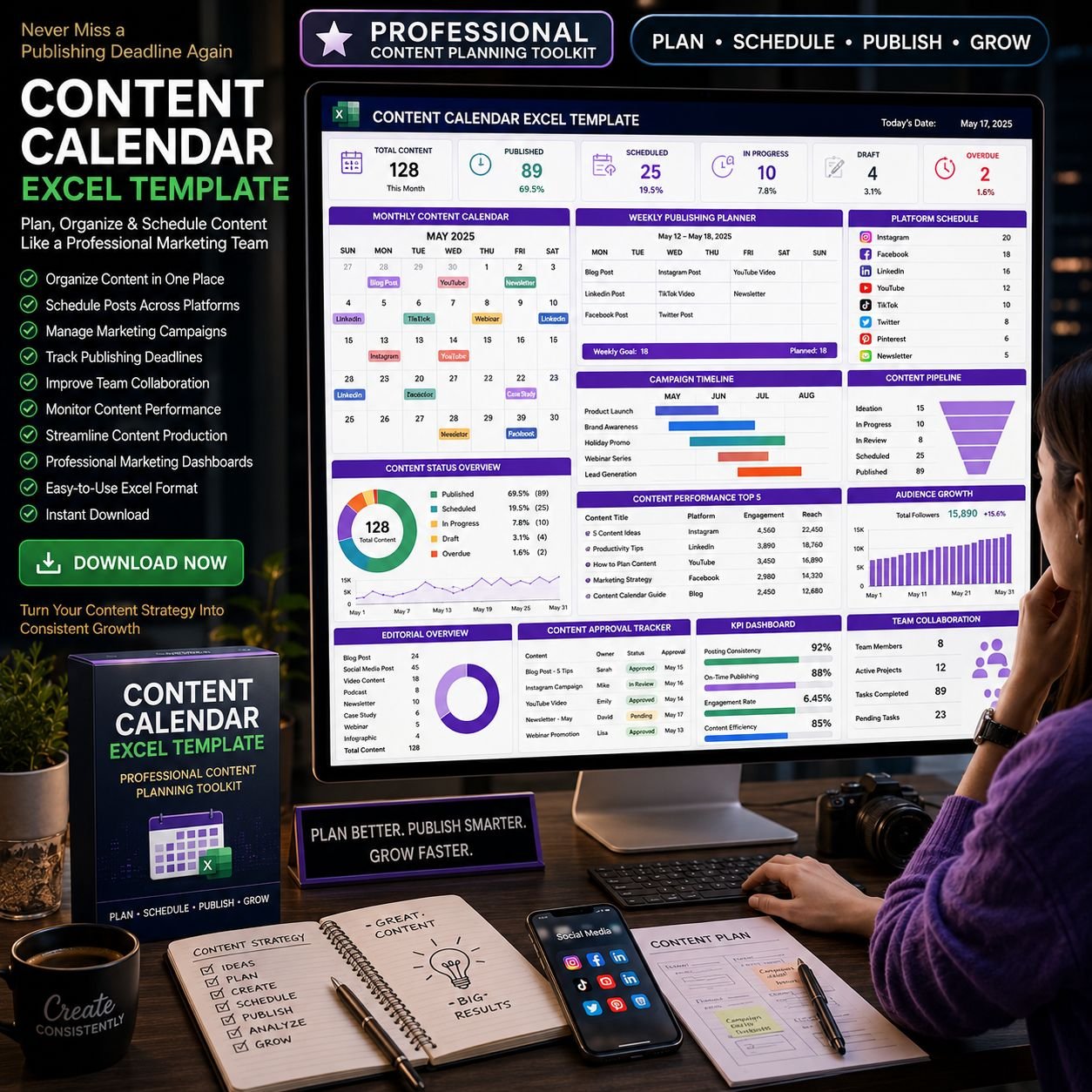
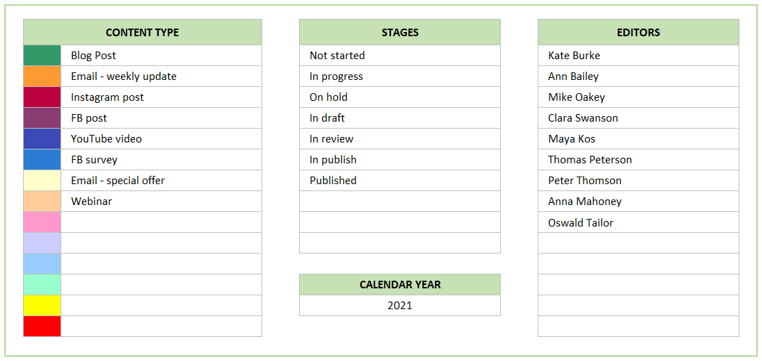
Inputs Section: Define content types, stages, editors, and calendar year. Create up to 100 schedules, set repeating tasks, and assign responsibilities.
Custom Task Management: Add unique tasks, track keywords, and monitor progress with ease.
Outputs Section:
Calendar View: Visualize up to 3 tasks per day, filter by month, editor, or task type.
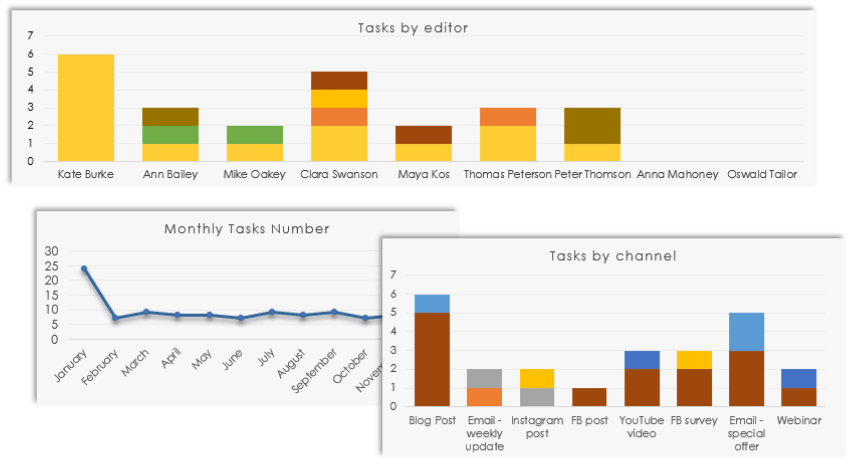
Summary Charts: See content performance by channel, editor, or month.
Task List View: Review and filter all tasks at a glance.
User-Friendly Design: Editable, printable, and easy to navigate.
Summary:
In this Content Calendar Template summary section, there are three available charts which are Monthly Tasks Number, Tasks by Channel, and Tasks by Editor. You can filter the charts based on the month, editor, and task source.
Tasks List View:
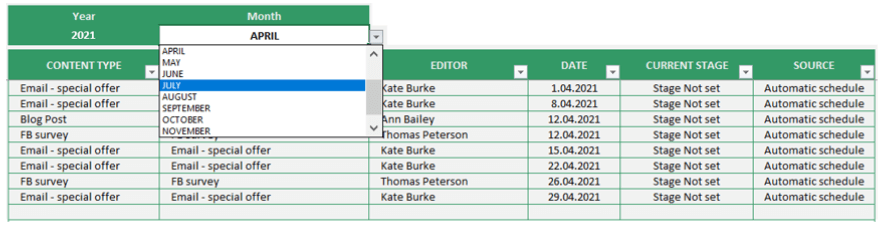
This list is for getting a broad picture of all previously defined tasks ( custom and schedule ). You can also filter it by month selection. Besides, each column has its own sorting and filter options as well. Please do not try to change anything on this list. It’s an informative summary list showing the tasks you have created before.
N
Product Highlights
Professional content planner in Excel
Fully customizable without coding or macros
Works seamlessly on both Mac and Windows
Print-ready and shareable with your team
Compatible with Excel 2010 and later versions
With this Content Calendar Excel Template, you’ll have a clear roadmap for all your digital content. Save time, reduce stress, and focus on creating impactful campaigns while knowing every deadline is under control.
Start organizing smarter and elevate your content strategy today.
Reviews
There are no reviews yet.