



Description
Accounts Payable Dashboard Template – Excel
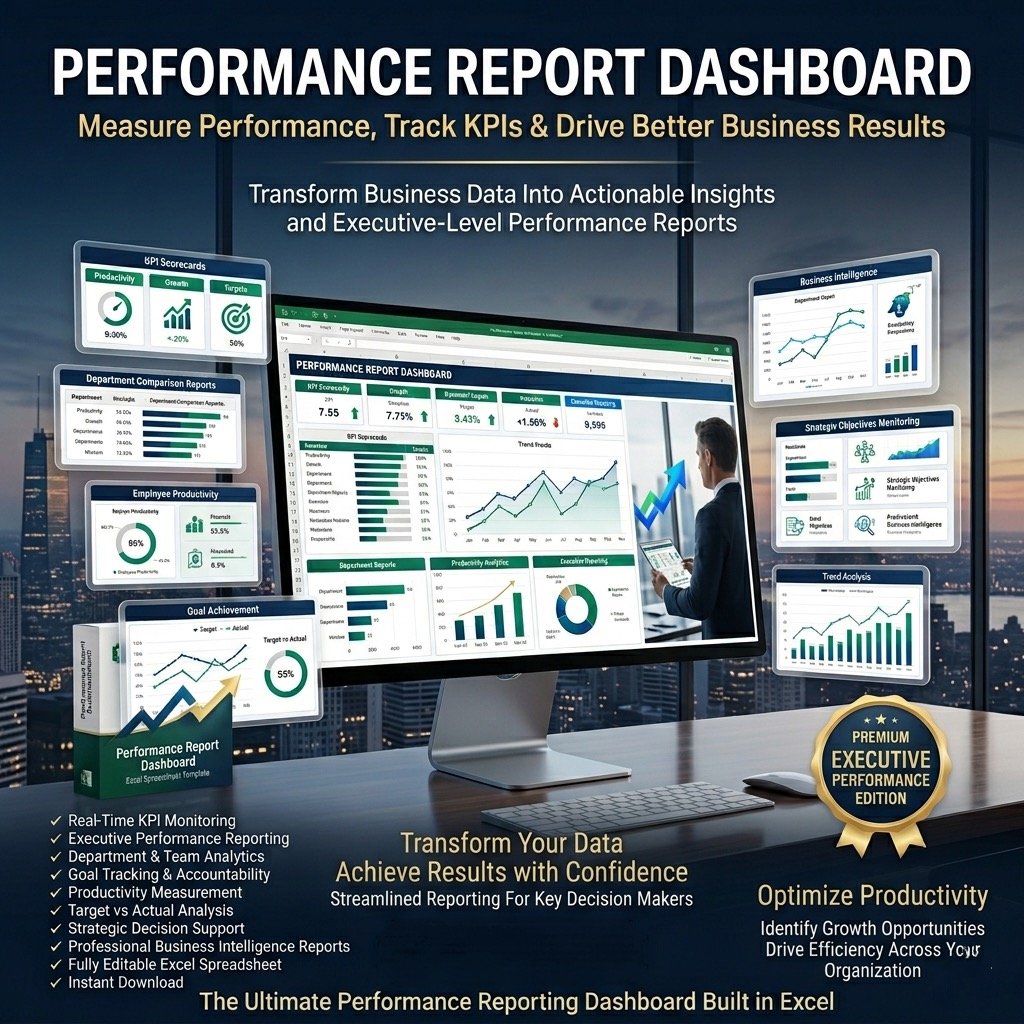
Take full control of your company’s payables with the Accounts Payable Dashboard Template in Excel — a powerful, easy-to-use tool that helps you monitor, analyze, and optimize your accounts payable performance in one clear, visually engaging view.
This template allows finance teams, CFOs, and business owners to track every key payable indicator, improve cash flow, and ensure supplier payments are always timely and accurate. By keeping your payables organized and transparent, you can maximize liquidity and strengthen supplier relationships while avoiding unnecessary overdue payments.
Why You Need an Accounts Payable Dashboard
Accounts payable is a vital component of working capital management. An optimized payable process not only keeps vendors satisfied but also unlocks opportunities to improve cash flow and profitability. This dashboard consolidates all critical metrics into one Excel file, helping you visualize trends, identify risks, and take smarter financial actions instantly.
Key Metrics Tracked in the Dashboard
The Accounts Payable Dashboard Template covers the most essential KPIs and metrics for financial management, including:
Total Purchases: Track purchase trends and analyze their relationship with payables and overdue balances.
Accounts Payable: Monitor actual payables, overdue amounts, and days payable outstanding.
Payable Aging: Gain clear visibility into overdue payables categorized by time period.
Vendor Concentration: Identify top vendors by total purchases and overdue amounts.
Credit Purchases: Understand the percentage of credit-based purchases in relation to total purchases.
Key Features and Benefits
✅ Comprehensive Financial Insight – View all accounts payable indicators in one dashboard for clear, informed decision-making.
✅ Time-Saving and Easy to Use – Fully editable Excel template with pre-built formulas and sample data.
✅ Visually Appealing and Customizable – Professionally designed with clean visuals and layout flexibility.
✅ No Technical Skills Needed – Simply replace the sample data with your own and start analyzing instantly.
✅ One-Time Purchase – No monthly fees, no macros, and no installations required.
✅ Ready for Printing – Clean spreadsheets without logos, ideal for professional reporting and presentations.
What’s Included
Fully editable Accounts Payable Dashboard Excel Template
Text file with a password to unlock and edit formulas
Step-by-step guide to customise and use the template
Video tutorial for navigation and data entry
Professional support for post-purchase questions or customisation requests
All payments are securely processed via Stripe or PayPal (no PayPal account required).
How to Use the Dashboard
Open the dashboard template in Excel.
Go to the Indicators tab and select your fiscal year start month (e.g., January, February, July).
Go to the Enter Data tab and replace the sample data with your company’s actual figures. (Formula cells are locked for data integrity.)
View performance insights on the Monthly Dashboard or YTD Dashboard tabs using drop-down selections.
Print reports directly from Excel by pressing CTRL + P.
Empower Your Finance Team with Smarter Insights
The Accounts Payable Dashboard Template helps you transform raw payable data into actionable insights — allowing you to manage supplier relationships better, improve payment efficiency, and enhance your company’s financial health.
✔ Save time.
✔ Stay organized.
✔ Strengthen your financial control.


Reviews
There are no reviews yet.